 Cyanfold
For iPhone, iPad and Mac
Open DWG and DXF drawings. Accurately.
A fast, private drawing viewer. Model space and every layout, layers, measuring with snaps, markup and export. Your files never leave your device.
Download on the App StoreFree · iPhone, iPad and Mac
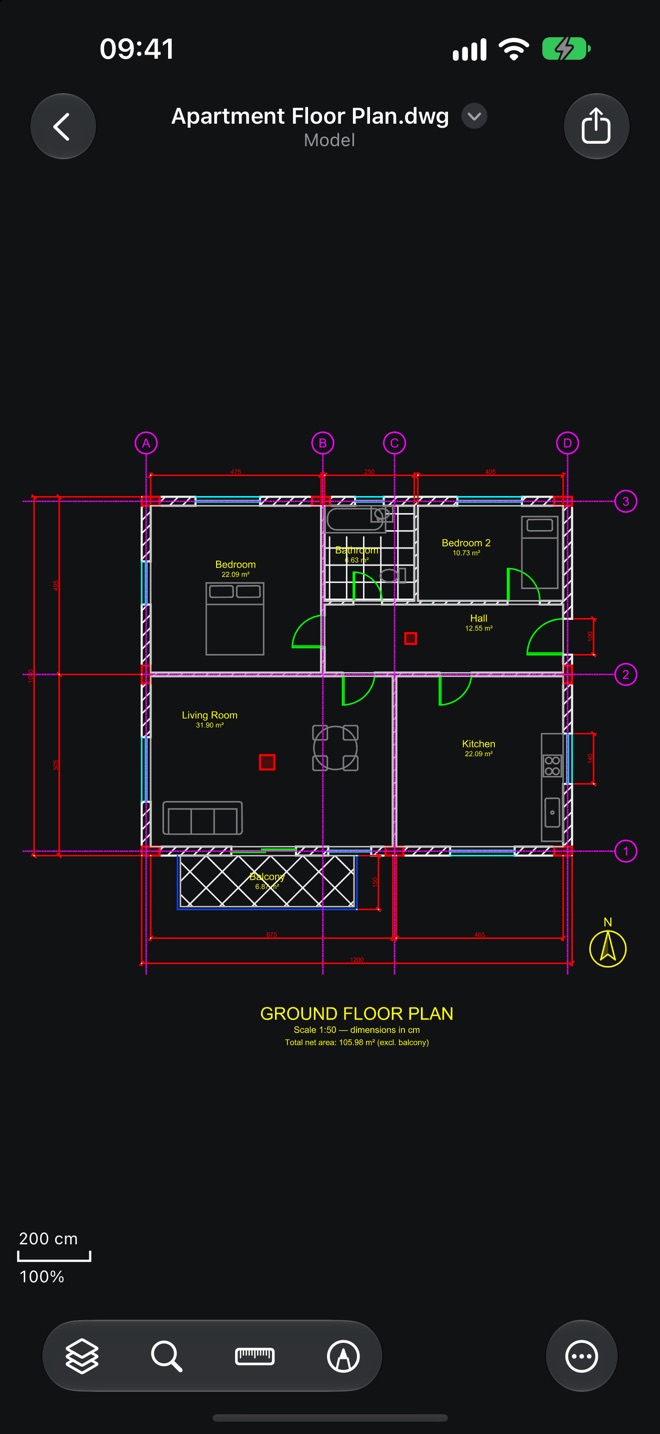
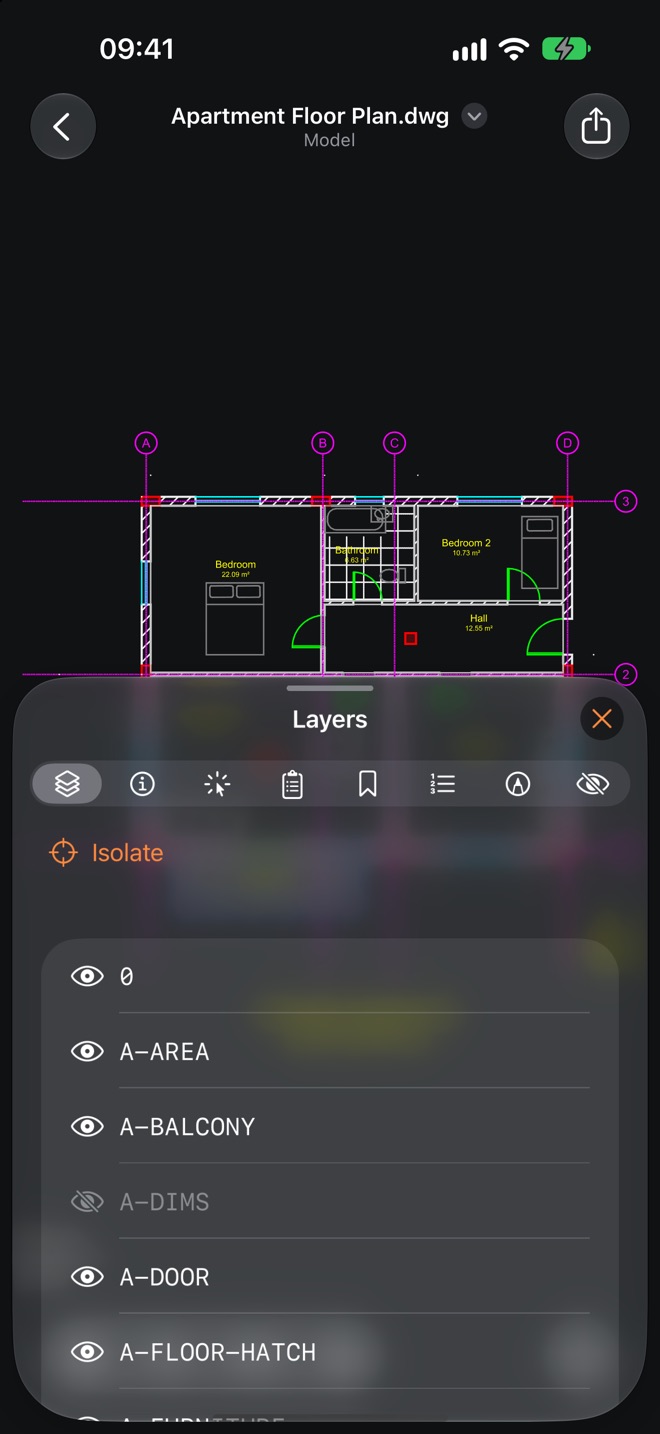
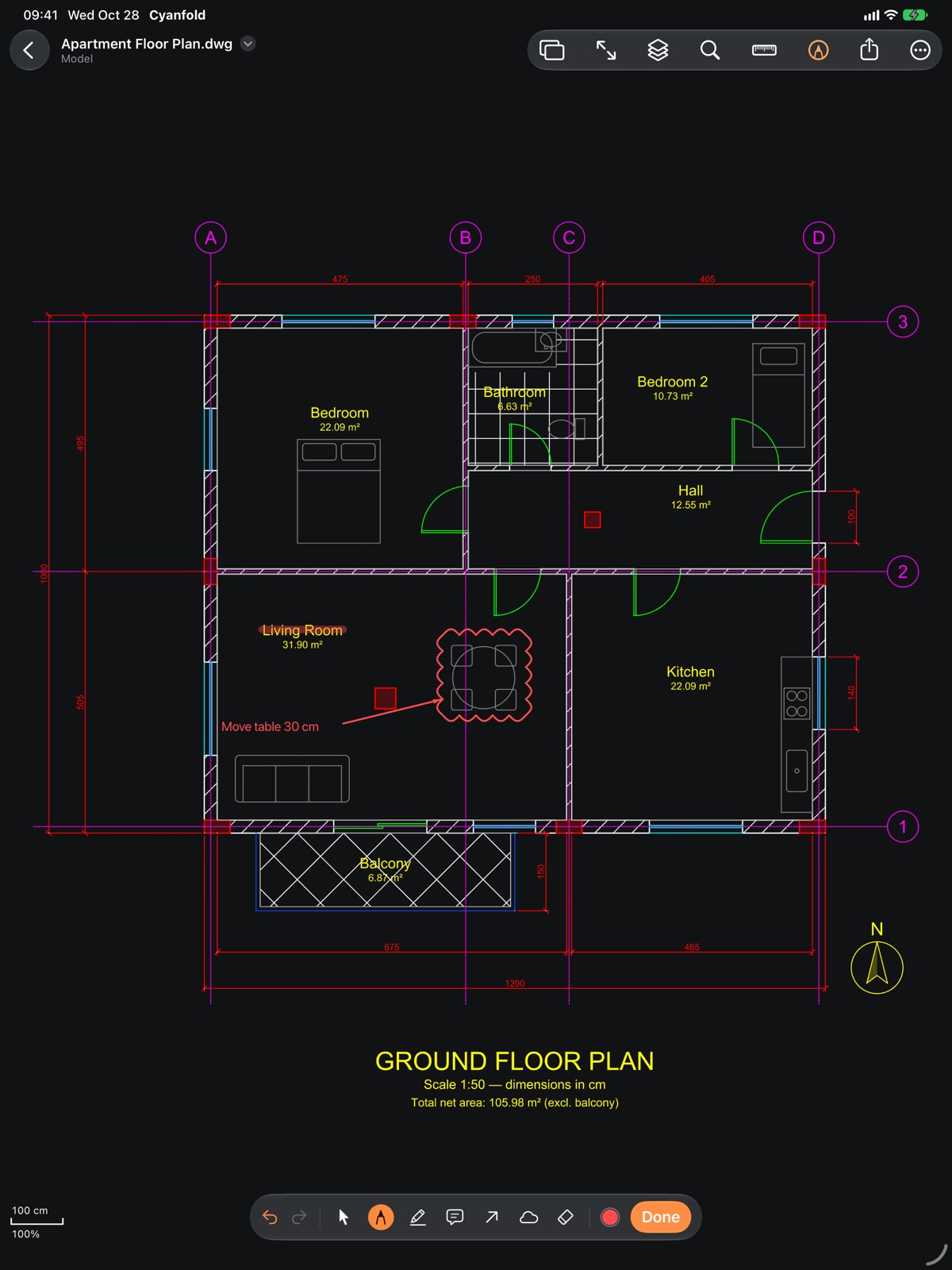
Layouts and layers
Model space and every layout at true scale. Turn layers on and off.
Measure with snaps
Endpoint, midpoint, centre and intersection snaps. Imperial or metric.
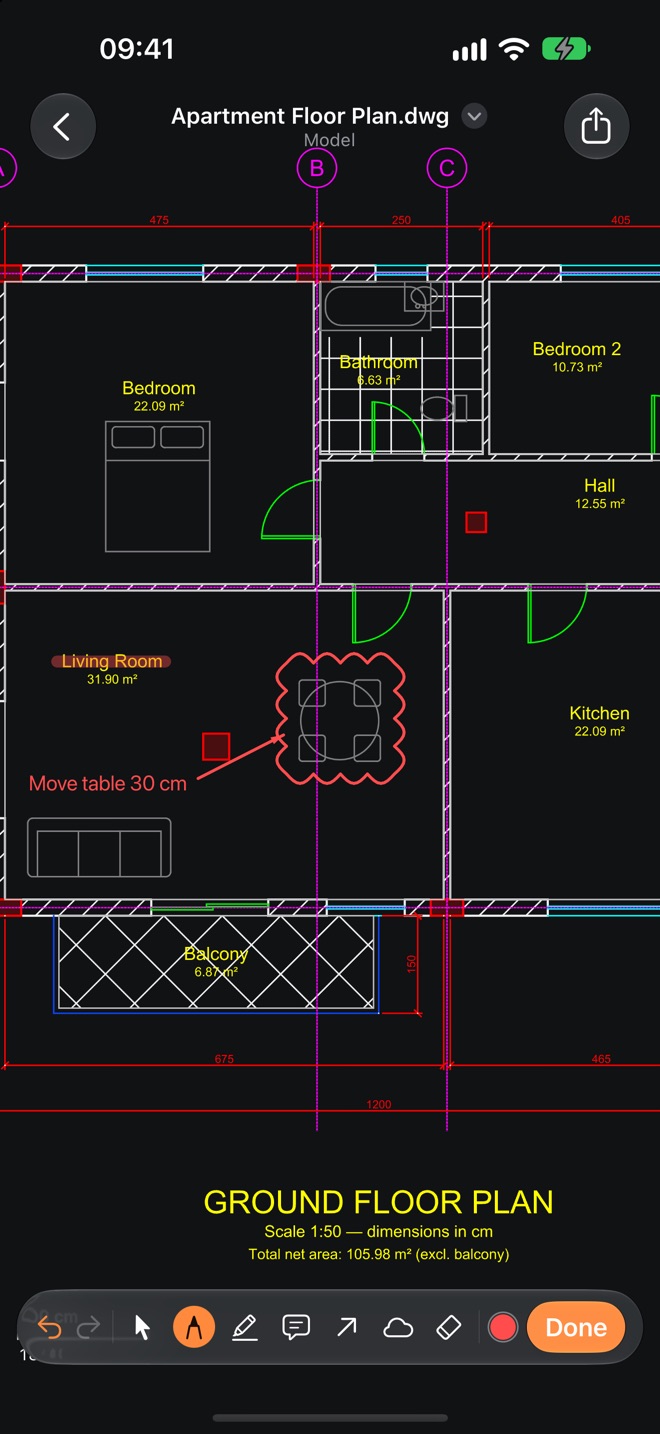
Markup
Draw on the drawing without changing the original file.
Export
Save the view or a whole sheet as PNG, PDF or DXF.
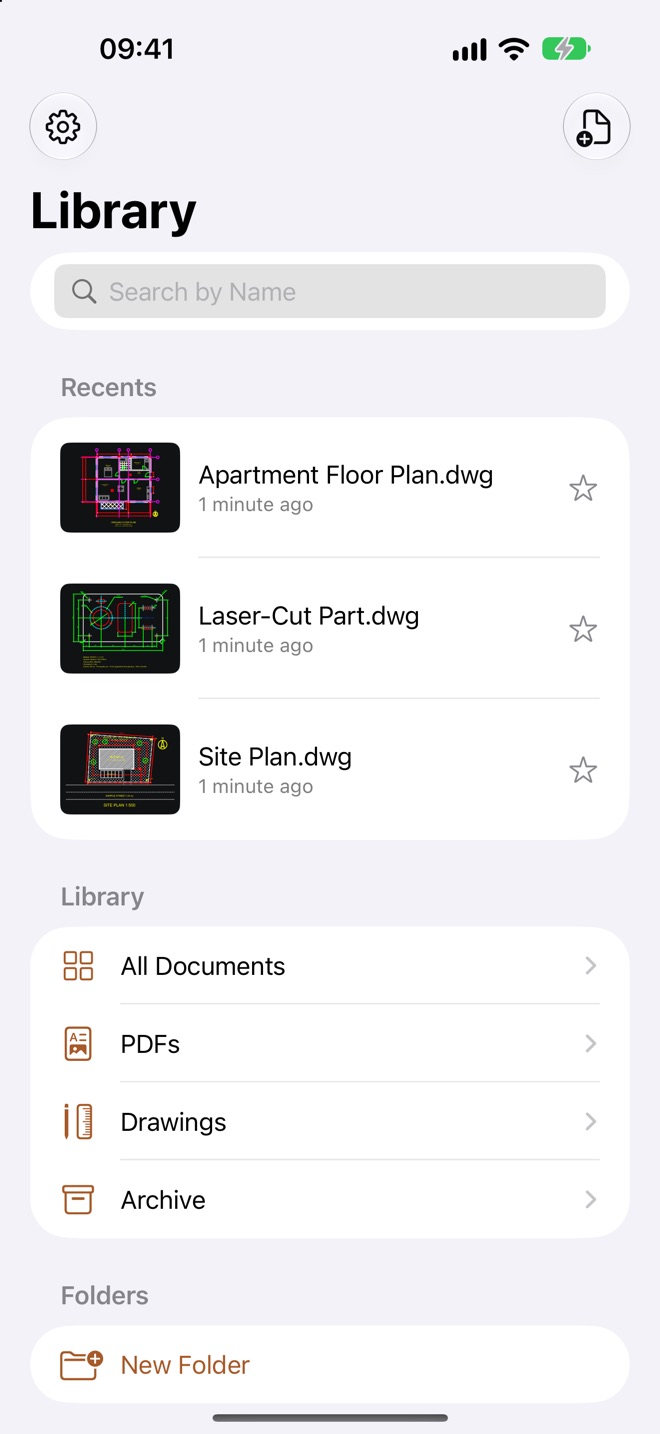
Xrefs and ZIP
Give access to the project folder and references resolve on their own.
Private
No account, no sign-in, no uploads. Drawings are opened on your device.
Free and Pro
Free: viewing, layers, distance measuring, a freehand pen and PNG export with a small watermark. One new drawing a day, plus two more after a short ad on iPhone and iPad. Three a day on Mac, with no ads. Drawings you opened in the last 30 days never count.
Pro (monthly or yearly subscription): unlimited drawings, no ads, area, angle and radius measuring, all markup tools, hiding objects, and PDF and DXF export without a watermark.
Support
Write to [email protected]. To report a drawing that looks wrong, use Report a Problem in the app’s settings. Attaching the drawing is optional.
Restore purchases: Restore Purchases in the app’s settings, signed in with the Apple Account you bought Pro with.
Cancel a subscription: Manage Subscription in the app’s settings, or in your Apple Account subscriptions. Deleting the app does not cancel it. Refunds are handled by Apple at reportaproblem.apple.com.
Privacy Policy
Last updated 28 October 2026
Your drawings. Drawings are opened, measured, marked up and exported on your device. Cyanfold has no server and does not receive your files, file names or their contents.
No account. Cyanfold does not ask for your name, e-mail address or any sign-in.
Daily limit and purchases. The free-tier count is stored in your own iCloud Keychain, which we cannot read. Purchases are handled by Apple; the app checks them on your device.
Ads (iPhone and iPad free tier only). Ads are provided by Google AdMob. Google may collect device identifiers, IP address, approximate location and ad interactions to show and measure ads. The advertising identifier is used only if you allow tracking when iOS asks. Where the law requires it, you are asked for consent first, and you can change your choice in the app’s settings. See Google’s Privacy Policy. There are no ads on Mac or with Pro.
Crash reports. If you choose to share analytics with app developers in your device settings, Apple sends us anonymous crash reports.
Support e-mails. When you write to us, we receive what you send, including any drawing you choose to attach. We use it only to answer you and delete it when it is no longer needed.
Your rights. You can ask us to access or delete any data we hold about you by writing to [email protected]. Data on your device is removed when you delete the app.
Children. Cyanfold is not directed at children under 13.
Changes. If this policy changes, the new version will be published on this page.
Terms of Use
Cyanfold is licensed to you under Apple’s Standard End User License Agreement, together with these terms.
Check before you build. Cyanfold is a viewer. Always check measurements and drawings against the original files and the responsible professional before relying on them for construction, manufacturing or legal purposes.
Subscriptions. Pro is an auto-renewing subscription, charged to your Apple Account. It renews unless cancelled at least 24 hours before the end of the current period. You can manage or cancel it in your Apple Account settings.
Your files. Your drawings, markups and exports remain yours.
Cyanfold is an independent app and is not affiliated with, endorsed by or sponsored by any CAD software maker. DWG and DXF are file formats; any trademarks belong to their respective owners.
Open-source components and their licences are listed in the app under About in settings. Source code of modified open-source components: cyanfold.app/source.